Operations and hardware
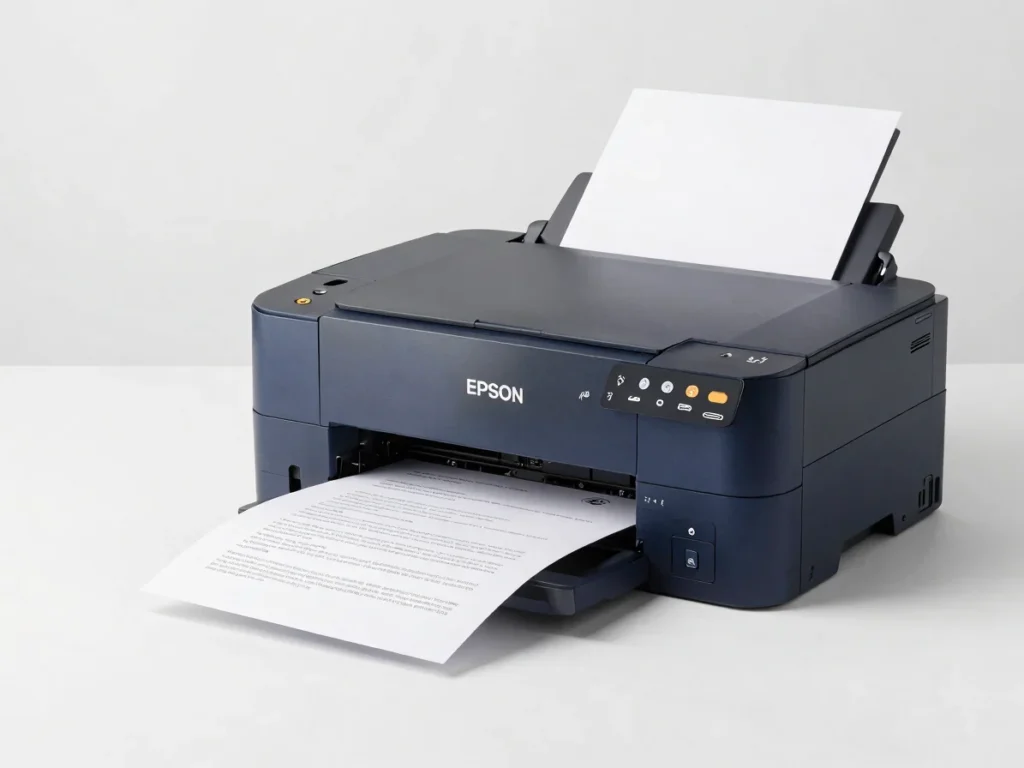
Raj Services runs an on-site Epson L3115 from a Windows workstation. The web portal manages orders, prices and files, and only sends a job to the printer after payment is verified.
Hardware pairing
A Windows print agent runs beside the Epson L3115 and listens for jobs that have passed payment verification. Customers never send a file straight to the printer.
Each piece below is either standard WordPress tooling or part of the custom bridge build. Nothing here is live until the agent is installed and tested on the workstation.
A Windows PC is connected to the Epson L3115 over USB or the local network and stays on during opening hours.
Razorpay QR payments are checked by the server before an order is released to the print queue.
The storefront, uploads and admin dashboard use WordPress-compatible plugins where free options exist.
Standard versus custom
Standard WordPress ecommerce covers the catalogue, uploads, previews, Razorpay QR checkout and the order dashboard. The automatic link from a verified order to the Epson L3115 is custom agent software and is not part of the standard plugins.
File upload, A4 price calculation, print preview, order IDs, receipts and status pages can be assembled from WordPress-compatible plugins. Admin screens for orders, prices and files follow the same approach.
Payment verification hooks, the Windows print agent, and the job handoff to the Epson L3115 need custom bridge code. Until that code is built and tested, printing stays a manual step.
Your shopping cart is empty
Notifications